
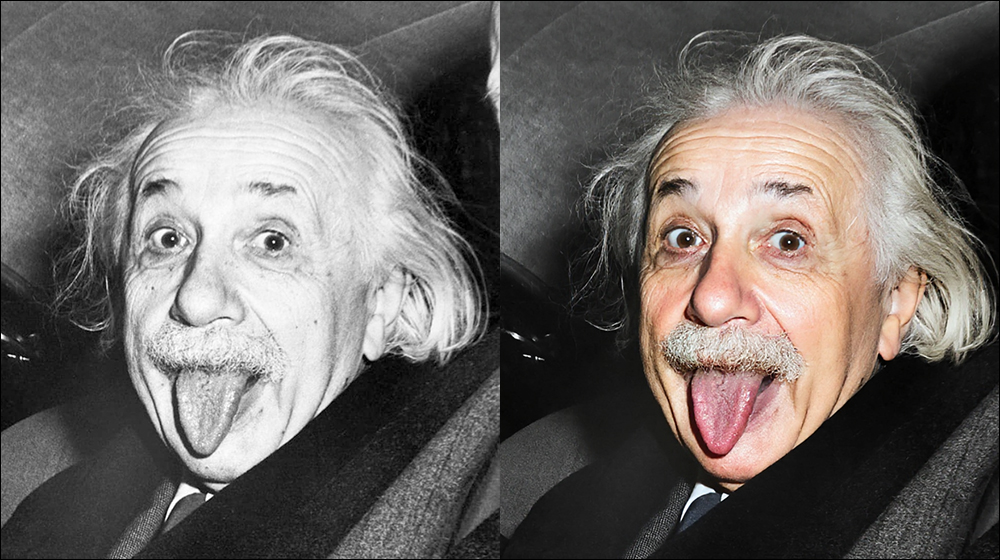
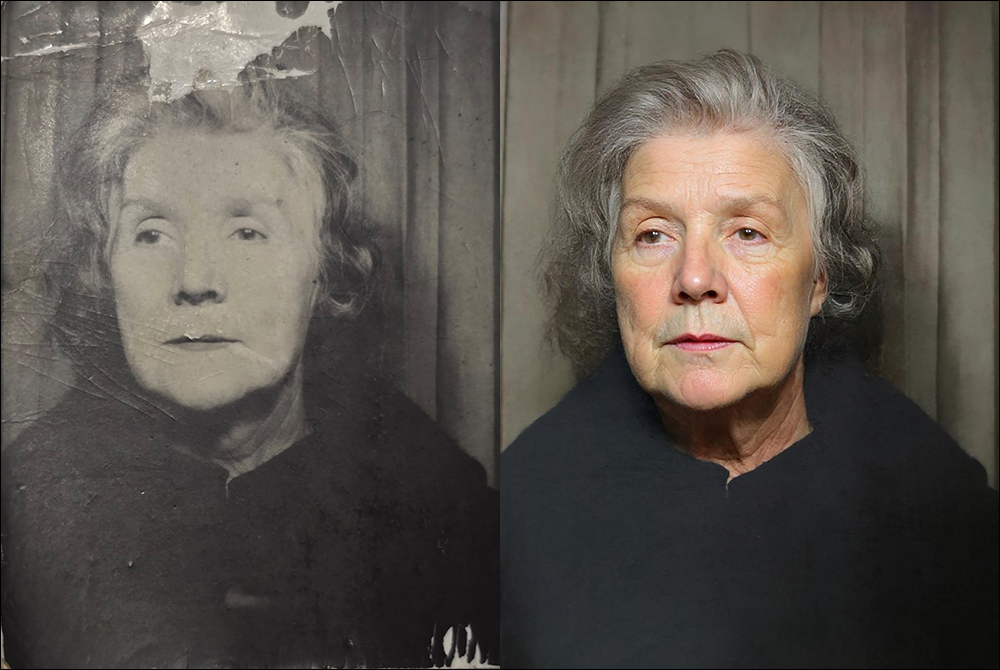

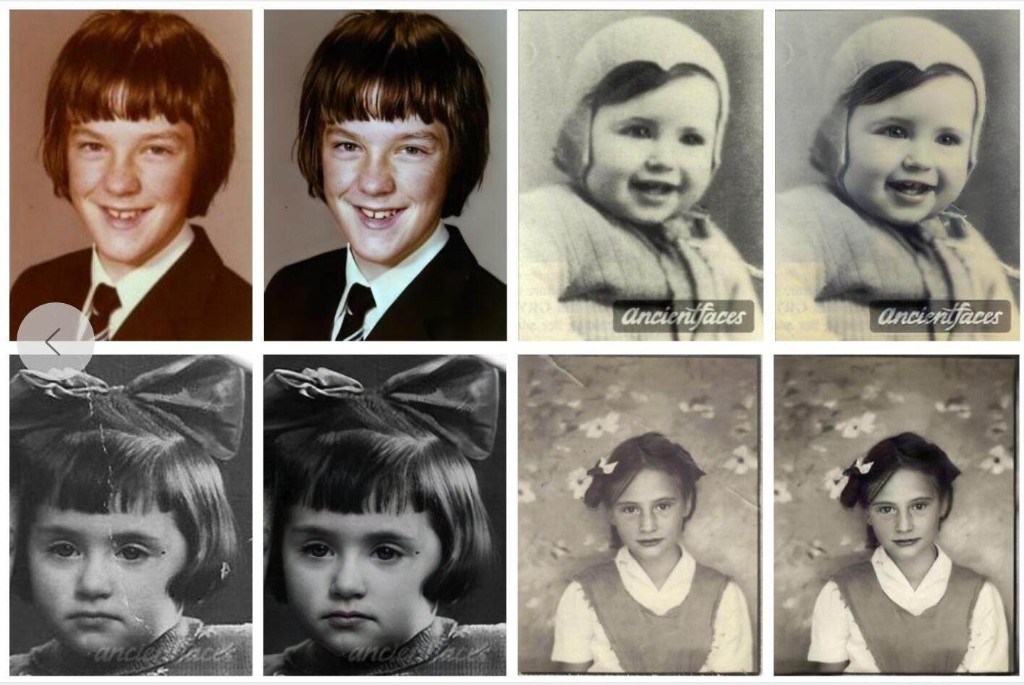
Bring memories back into focus
Upload faded, scratched, or blurry photos. Optional colorization and light beautification, with a draggable before/after preview. Sign in to use credits.
- Multi-upload and batch processing
- You control colorize / beautify
- Before/after slider preview
Workspace
Upload & restore
Drag photos here, click "Upload photos", or paste image from clipboard (Ctrl/Cmd+V). Adjust options on the right, then click "Start restore". Max 12MB per image.
Pending photos
No pending photos. Upload images to start.
Credits & plans
Buy credit packs or subscribe for unlimited restores (payments via Stripe).
Quick Start
$0.99
Minimal trial, instant wow
Best for restoring one or a few precious photos.
- 10 AI restore credits
- Google Nano 2 model support
- Basic auto colorize and beautify
- Standard HD download
Memory Keeper
$9.9
Only $0.09 / photo
Best value for family memories
Great for organizing one full album.
- 100 AI restore credits
- Priority queue processing
- 2K high-quality export
- Cloud history saved for 30 days
Pro Curator
$99
Commercial efficiency, top-level detail
Ideal for studios, creators, and archive digitization.
- 1000 AI restore credits
- 4K ultra-clear export
- Deep facial detail reconstruction
- Batch upload and one-click processing
- Permanent cloud history
Legacy Infinite
$999 / mo
Unlimited compute, legacy preserved
Built for enthusiasts and professional institutions.
- Unlimited AI restore credits
- Ultra-fast dedicated processing lane
- 1:1 expert prompt tuning guidance
- Commercial usage license included
- Dedicated support
Please sign in with Google before purchase. Google Sign in